
UI borders with rounded corners
Introduction
I tend to get pissed off over small details, especially with UI design. It is probably a bad habit since it wastes a lot of time and really strains my eyes. However, UI is pretty much about the details, a good UI is when good UX is matched with fine details. So I kept the habit.
This one though, I don’t really think it’s me being picky, it can bring a huge difference when scaled up. It’s about applying strokes to rounded UI in Roblox.
At the moment, there are two ways to apply stroke to an UI –– either by using UIStroke, or by Duplication & ZIndex. Both has this problem, but you can’t fix it if you are using UIStroke.
The problem
Ohhhh no. Inconsistent radius!
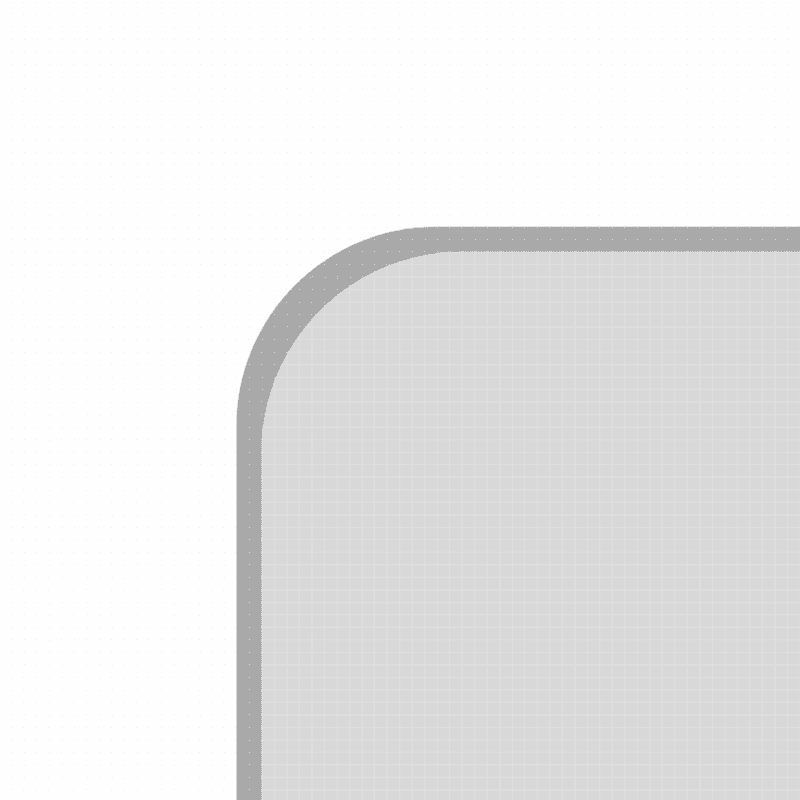
If you have good eyesight, you will sense that there’s something wrong. The stroke and the actual layer do not share the same roundness.
But they have the same corner radius value!
They have the same corner radius value, yes. But do they have the same size? No.
Corner rounding is like putting a circle into your shape, and its size is based on the corner radius (times two). As it is bigger, the shape itself would start to look like a circle. Eventually becomes completely rounded once the radius has reached half of the shape’s height. From that being said, when the size of the shape has changed, the distance for the circle to make the shape as a circle will be changed too.
Assuming that stroke is 2px thick, that means the distance has been increased by 2px, hence making it less rounded.
The solution
We have just explained how corner rounding works with simple logic, and that “roundness” is based on the corner radius and the size of the shape.
So, how do we rectify it? Simply by reverting the distance change with Mathematics. If it has been increased by 2px, increase corner radius by 2px too.
Hence, we can come up with a formula:
BorderRadius = CornerRadius + BorderWidth

LaTeX, if you want.
Happy designing.